Python





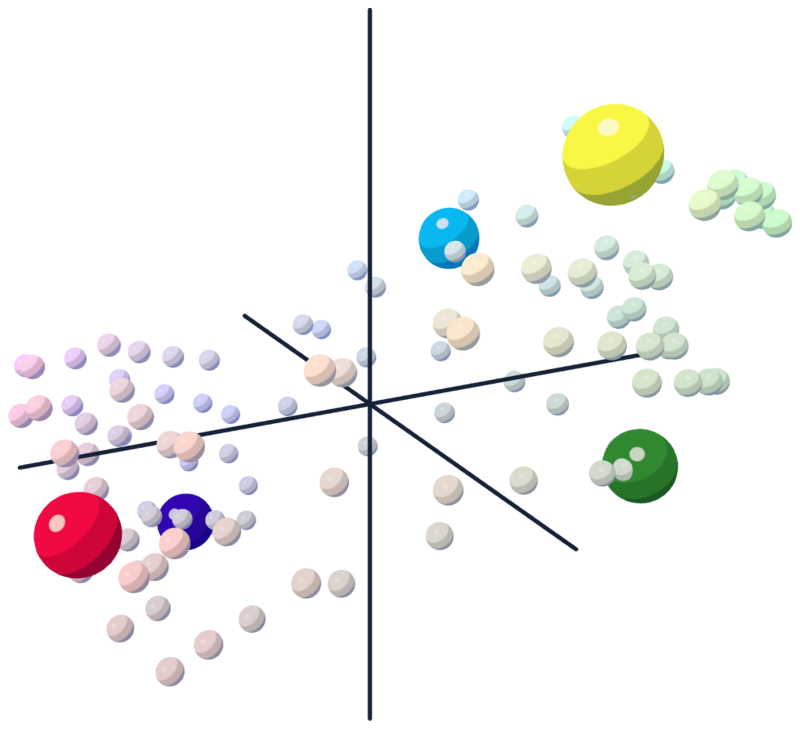
Automatically generate qualitative color palettes with distinct, perceptually uniform colors.
Installation
Qualpal will soon be available on PyPI. In the meantime, you can install it directly from source, but note that this requires a C++ compiler.
# Core functionality
# With visualization support
Quick Start
# Generate 6 distinct colors
=
=
# Display colors
# ['#f68ec8', '#233604', '#15045a', '#13cbf6', '#ebf919', '#e84123']
# Export for CSS
=
# ['--theme-1: #f68ec8;', '--theme-2: #233604;', ...]
# Visualize (requires matplotlib)
Key Features
🎨 Smart Color Generation - Automatically selects maximally distinct colors
🎯 Customizable - Control hue, saturation, lightness ranges
♿ Accessible - CVD (color vision deficiency) simulation and optimization
📊 Analysis - Measure perceptual distances between colors
📤 Export - CSS, JSON, and matplotlib visualization
📓 Jupyter - Rich HTML display in notebooks
🚀 Fast - C++ backend with Python interface
Examples
Customize Color Space
# Pastel colors
=
=
CVD-Aware Palettes
# Generate palette safe for deuteranomaly
=
=
Color Operations
# Create and convert colors
=
# (1.0, 0.0, 0.0)
# (0.0, 1.0, 0.5)
# (53.24, 80.09, 67.20)
# Measure perceptual distance
=
=
= # 33.42
Documentation
The full documentation is available at https://jolars.github.io/qualpal-py/.
Contributing
Contributions are welcome!
Note that the main functionality comes from the underlying C++ library, which is developed and maintained at https://github.com/jolars/qualpal. So if you want to contribute to the core algorithms, please do so there.
License
Qualpal is licensed under the MIT license
Citation
If you use Qualpal in your research, please cite the following paper:
Larsson, J. (2025). Qualpal: Qualitative Color Palettes for Everyone. Journal of Open Source Software, 10(114), 8936. https://doi.org/10.21105/joss.08936